PoE 2 Loot Filter: How to Add NeverSink in 4 Steps
 Lucien ·
Open GGG's PoE 2 filter ladder, follow a NeverSink filter (Semi-Strict for beginners), then reload and pick it in the game's options.
How do you add a loot filter in PoE 2?
Adding a loot filter in PoE 2 takes about a minute: follow a filter on GGG's website, then select it in the game. No files to download, no folders to dig through. Your future self, staring at a screen full of white bases, says thanks.
What does a loot filter actually do?
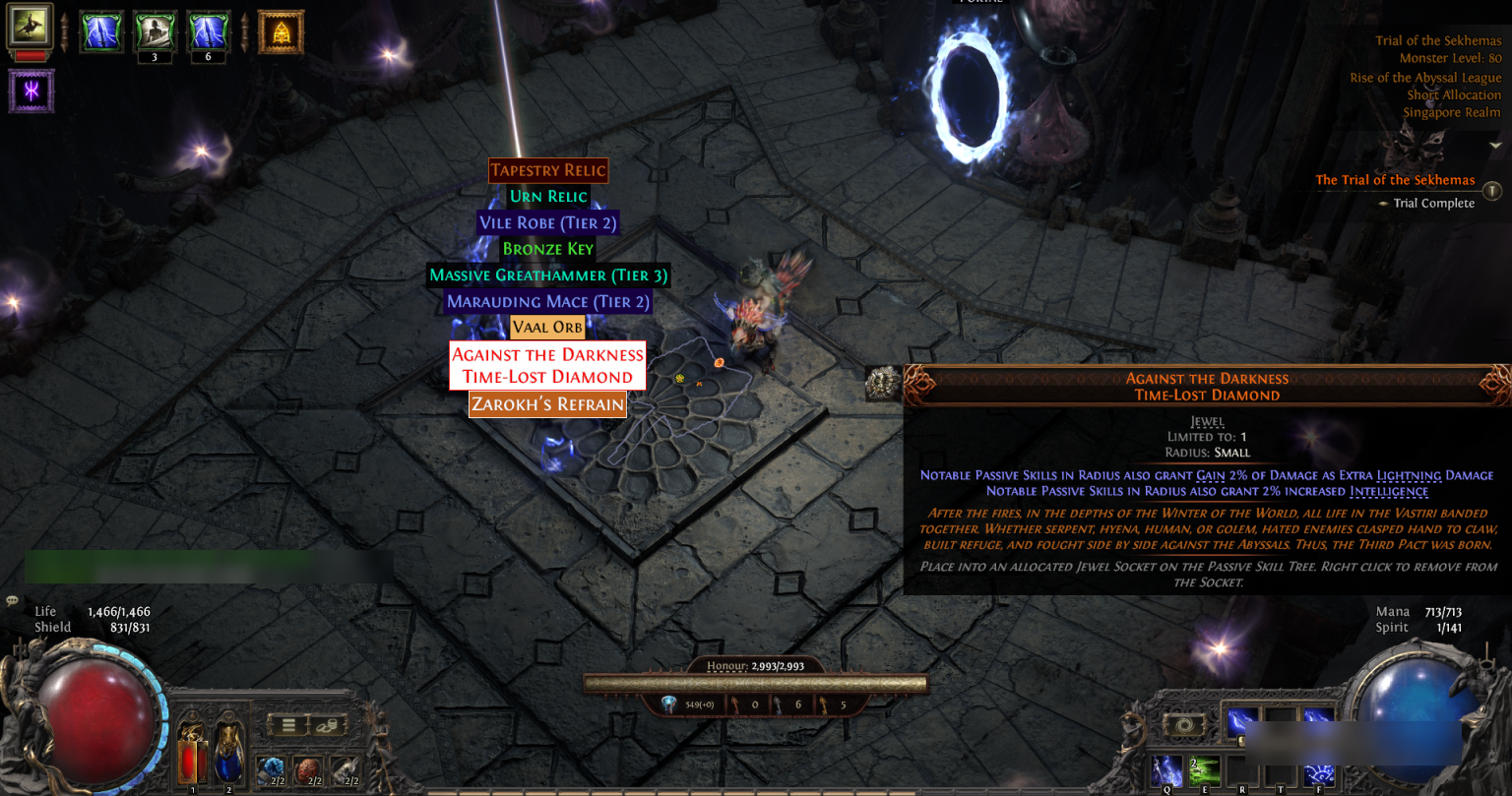
A loot filter hides the trash and makes the good stuff loud. Junk drops vanish from the ground, normal gear gets small labels, and valuable drops get big coloured boxes you can't miss. Look at the screenshot at the top: the Time-Lost Diamond jewel sits in a big red box, while the Vaal Orb and the relics get their own colours.
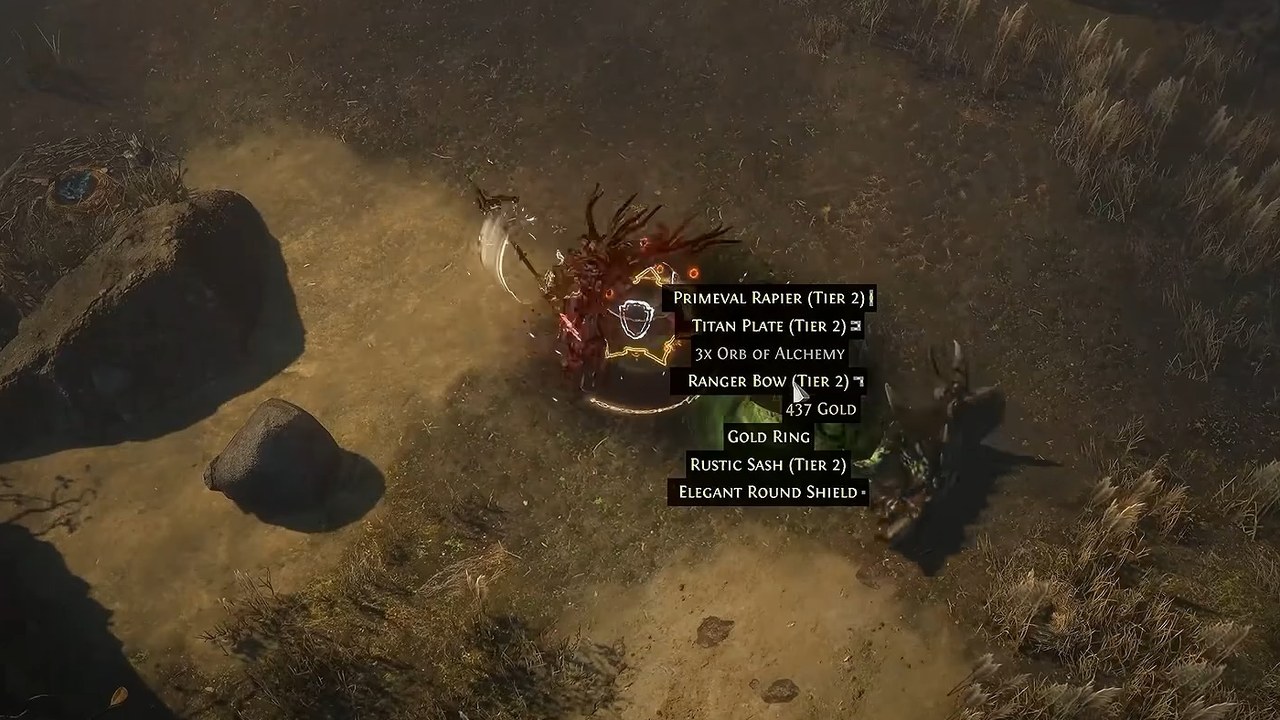
Without a filter, every drop gets the same plain label and you end up reading the floor like a grocery receipt. With one, you only stop for what matters.
Which filter should you pick?
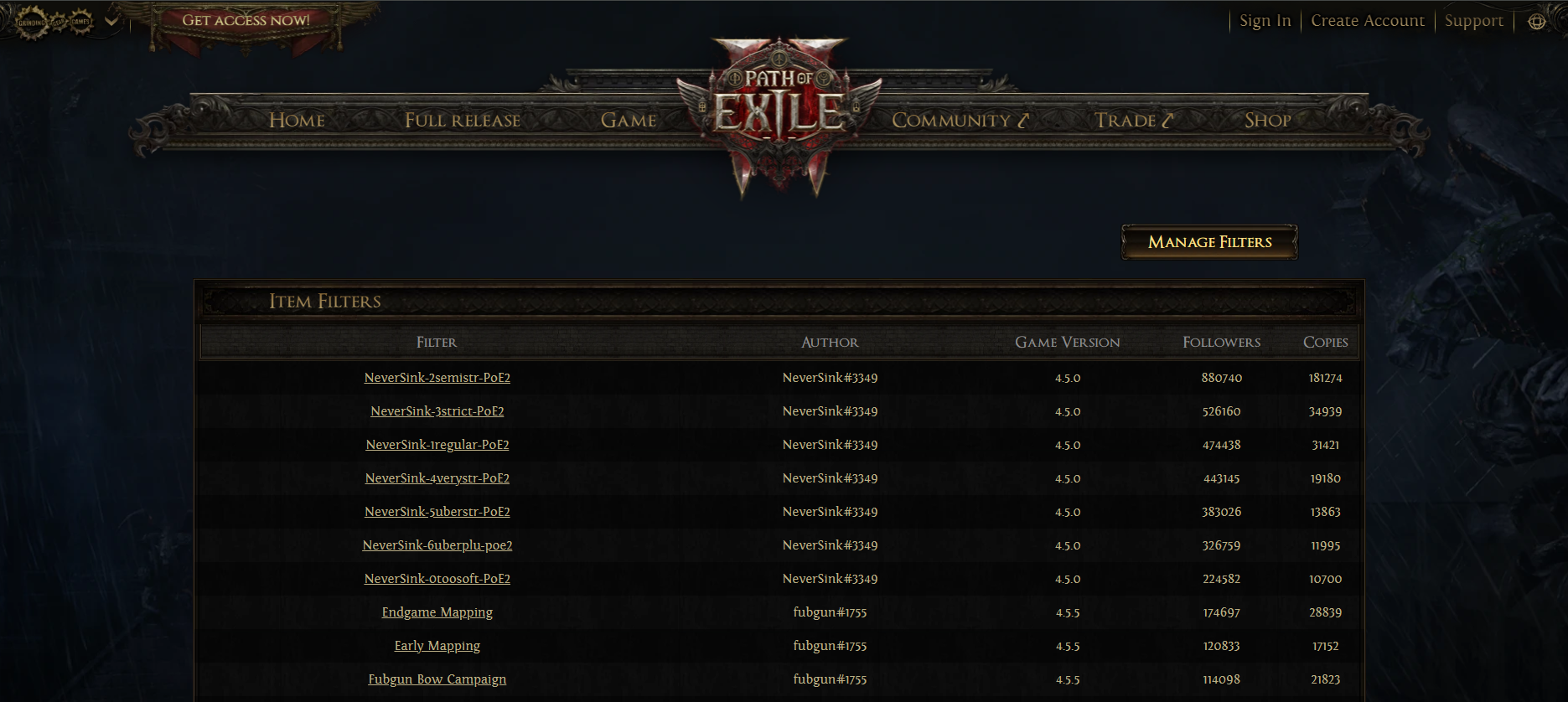
Pick whichever filter fits you, but most players run NeverSink's. On November 24 his filters held all of the top 7 spots on the official PoE 2 ladder. They come in 7 strictness levels: the stricter the filter, the more it hides.
| NeverSink strictness | Who it's for |
|---|---|
| 0 Soft · 1 Regular | Hide the least |
| 2 Semi-Strict | NeverSink's pick for beginners, and the most followed |
| 3 Strict | One step tighter |
| 4 Very Strict | Not for leveling, unless your leveling gear is great |
| 5 Uber Strict · 6 Uber Plus Strict | The tightest, hide the most |
Vtomes suggestion: start on Semi-Strict. If you spend half the map reading labels, go one step stricter. If you stop finding gear upgrades, go one step softer. Your filter works for your character. It doesn't need to pass a job interview.
How do you follow a filter?
- 1. Open the official PoE 2 item filter ladder (link below). It already shows PoE 2 filters.
- 2. Click the filter you want, for example NeverSink-2semistr-PoE2.
- 3. Log in with the same account you play on, then click Follow.
- 4. In game, open Options, reload the item filter list and select the filter you just followed.
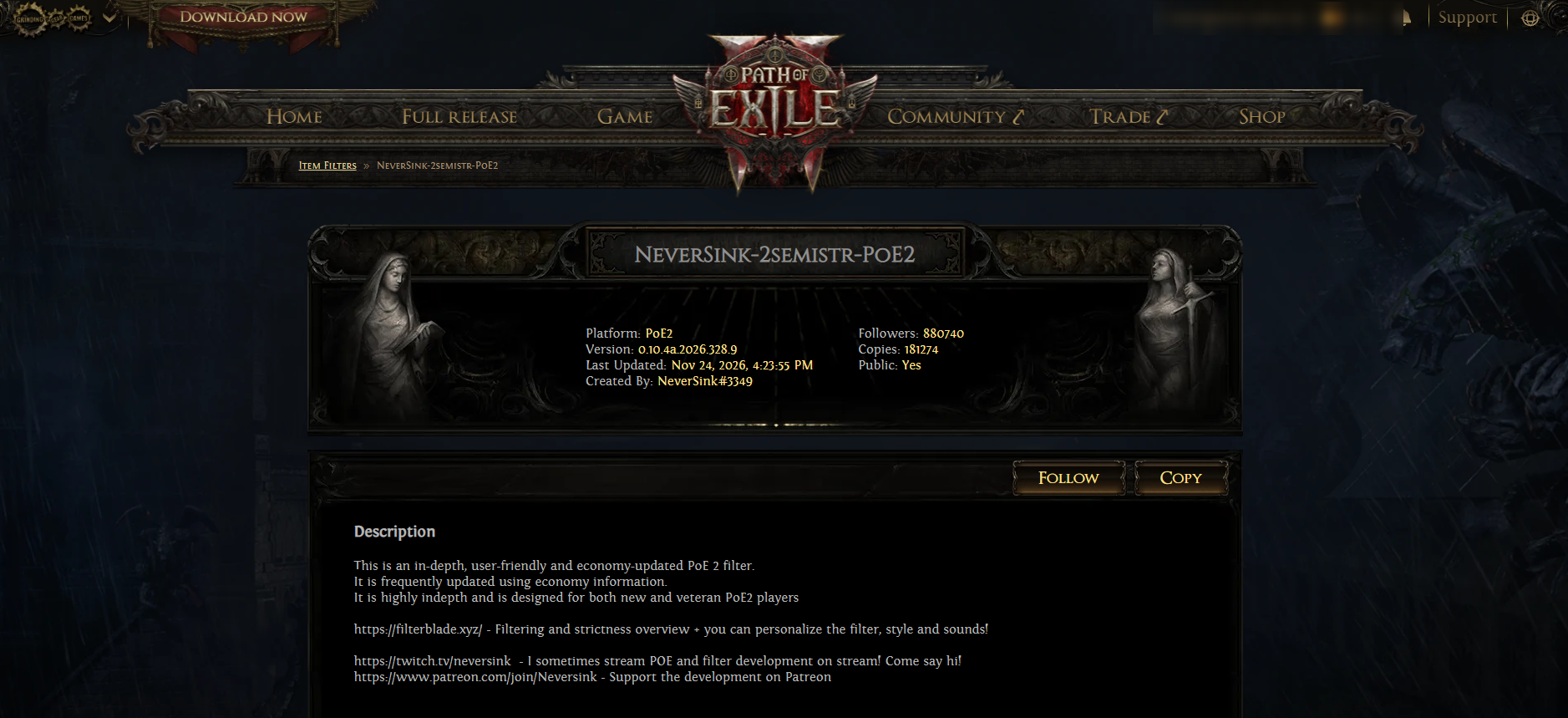
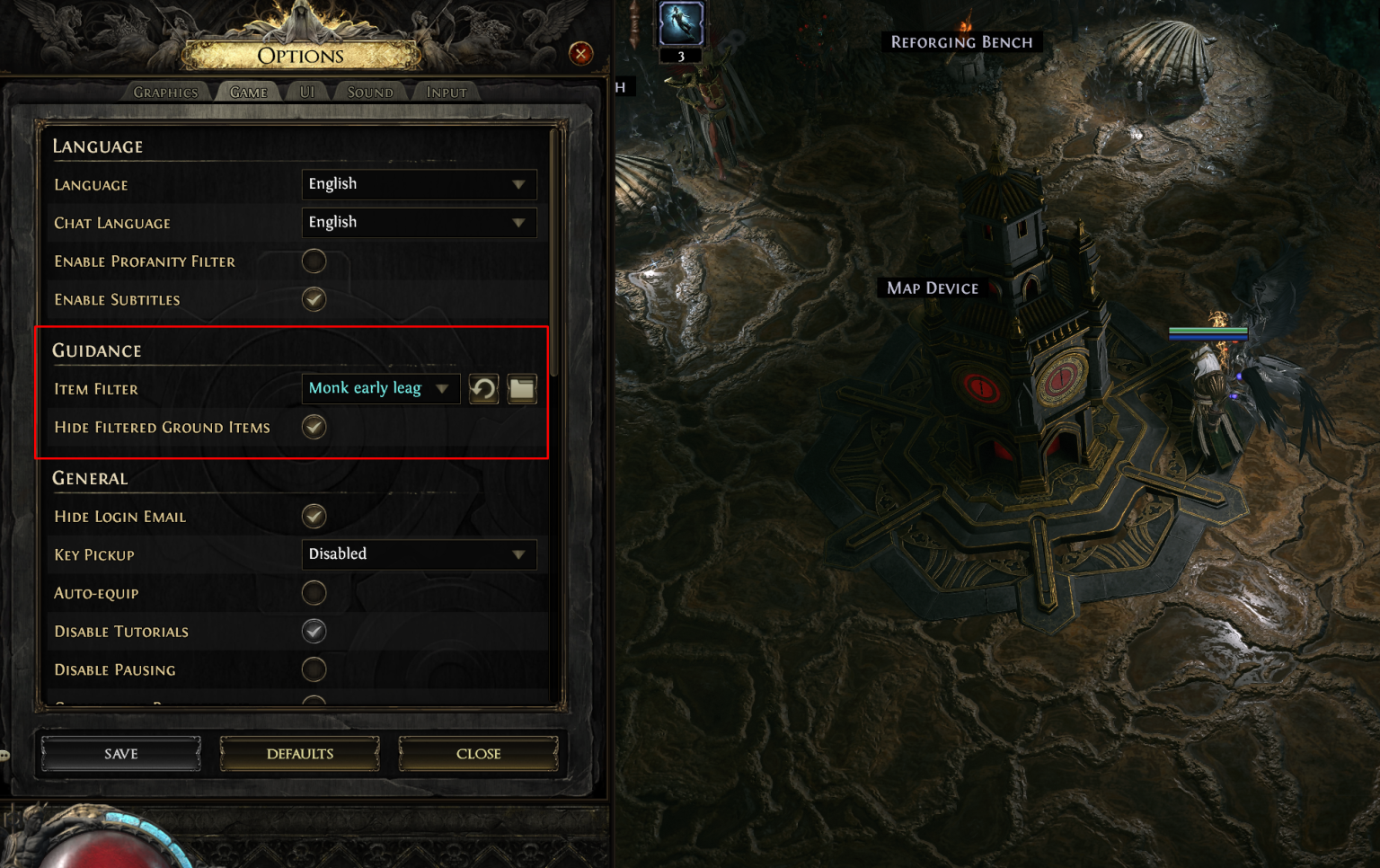
Following is the lazy option in the best way: the filter auto-updates, so you never have to download a new version. The trade-off is that you can't edit or restyle a followed filter.
Why does your filter show nothing?
Filter missing from the list? You probably followed it on a different account than the one you play on, or you didn't reload the list. Check the account, reload in Options, and it should pop up.
Filter there, but you can't find gear you still use? It's too strict. Drop one level, say Strict to Semi-Strict, and check a few ordinary drops again.
FAQ
- Where do I find PoE 2 loot filters? On GGG’s official item filter ladder, set to PoE 2. NeverSink’s filters are at the top.
- Which NeverSink strictness for a new character? Semi-Strict. NeverSink recommends it for beginners.
- Should I level with Very Strict? No. NeverSink says Very Strict or above isn’t for leveling unless you’re already well geared.
- Does a followed filter update itself? Yes. Following on the ladder auto-updates; you just can’t edit it.
- Do I need to download a file? No. Follow it on the website and select it in game.
Sources
Feature details are checked against official documentation. Checklists and practice suggestions are written by Vtomes.
- PoE 2 item filter ladder (official)
- NeverSink's PoE 2 filter: strictness and setup
- ExileCon launch announcement
Image sources: Vtomes · Path of Exile 2 © Grinding Gear Games.
About the author
Lucien
Gaming for 20+ years. Fell into Path of Exile in Affliction, jumped into PoE 2 on day one, and still can't stop picking up Divines and slamming those Essences.
More guides by Lucien